About Speech to Text Converter
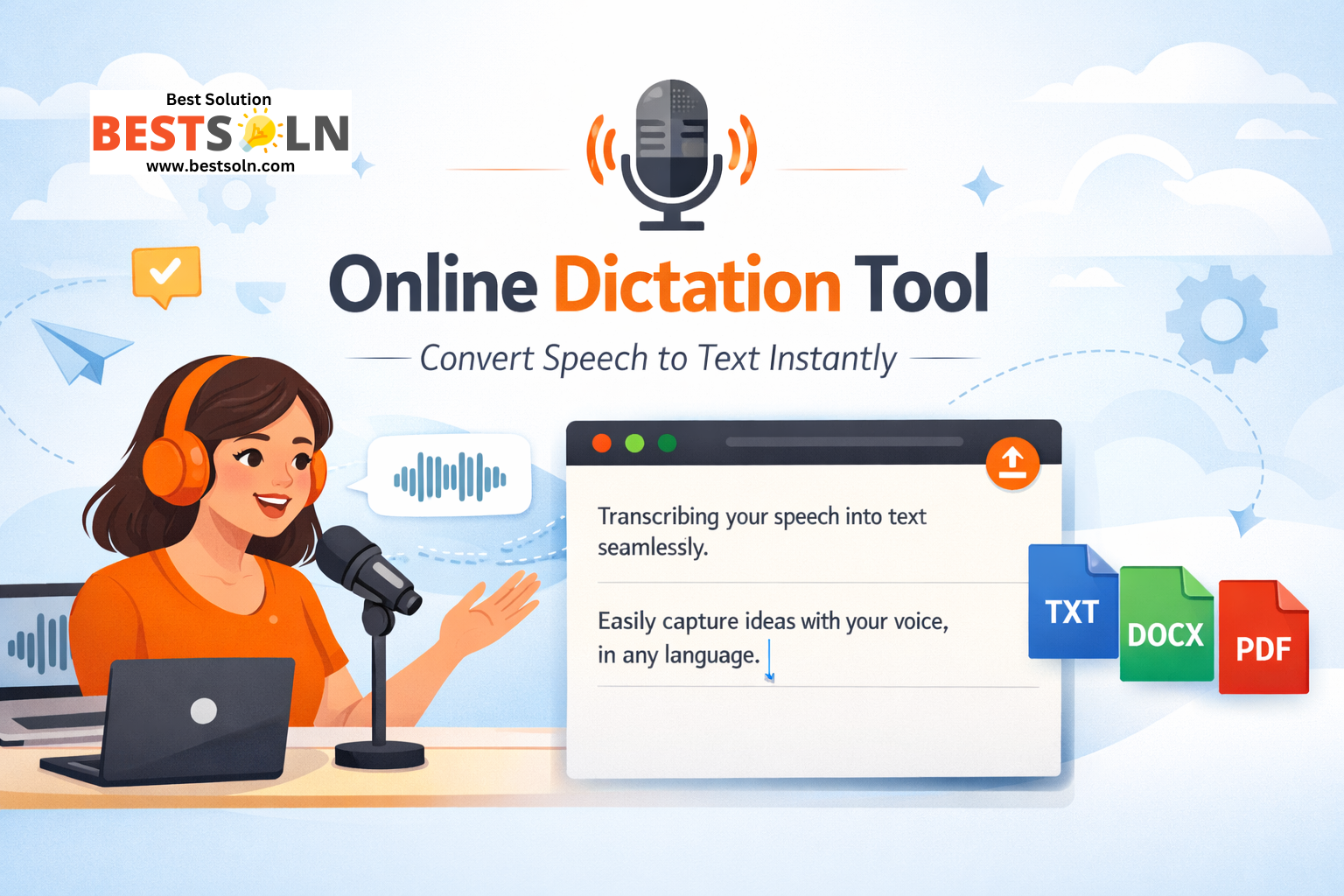
The Online Dictation Tool is a browser-based speech-to-text application that converts spoken words into written text in real time. It runs entirely in the user’s browser, requires no installation, and does not store or upload audio data. The tool is designed to be fast, responsive, and privacy-friendly.
It uses the Web Speech API, which is currently the most reliable native speech recognition option available in modern browsers.
Found a bug? Raise a bug here!
Speech to Text Converter
System Requirements
To use this tool smoothly, ensure the following:
- A modern browser such as Google Chrome, Microsoft Edge, or another Chromium-based browser
- A working microphone
- Internet connectivity (required by the browser’s speech engine)
Note: Safari and Firefox may have limited or no support for the Web Speech API.
Getting Started
- Download or save the HTML file on your system.
- Open the file in a supported browser.
- Allow microphone access when prompted by the browser.
- The tool is now ready to use.
No additional setup is required.
User Interface Overview
The interface is intentionally minimal and distraction-free.
- Header
- Tool title
- Microphone status indicator (Idle or Listening)
- Text Area
- Displays live dictated text
- Supports manual typing and editing
- Automatically scrolls as text grows
- Control Buttons
- Start Dictation
- Stop
- Clear
- Language Selector
- Allows switching between supported languages
- Footer
- Displays privacy reassurance
How to Use Dictation
- Select your preferred language from the dropdown.
- Click Start Dictation.
- Speak clearly into your microphone.
- Your words will appear in the text area in near real time.
- Click Stop when finished.
- Edit the text manually if needed.
The status indicator will change to show when the microphone is active.
Language Support
The tool supports multiple languages, including:
- English (US)
- English (UK)
- Hindi (India)
- French
- German
- Spanish
You can switch languages at any time. If dictation is active, the tool will safely restart recognition with the new language selection.
Clearing Text
To remove all transcribed content:
- Click the Clear button.
- The text area will reset instantly.
- The internal transcript buffer is also cleared.
This action cannot be undone.
Privacy and Data Handling
- Audio is processed entirely by the browser’s speech engine.
- No audio or text is stored, logged, or transmitted by this tool.
- The tool does not use cookies, analytics, or third-party tracking.
This makes it suitable for sensitive or private dictation use cases.
Error Handling
If speech recognition is not supported:
- The status will display an error message.
- The Start Dictation button will be disabled.
Common errors include:
- Microphone access denied
- Unsupported browser
- Network-related speech service issues
Refreshing the page or switching browsers typically resolves these issues.
Limitations
- Accuracy depends on the browser and microphone quality.
- Requires an internet connection.
- No punctuation intelligence beyond the browser’s native handling.
- No audio file upload or offline transcription support.
These limitations are inherent to browser-based speech recognition.
Customization and Extension Ideas
Developers can easily extend this tool by adding:
- Auto punctuation and smart paragraphing
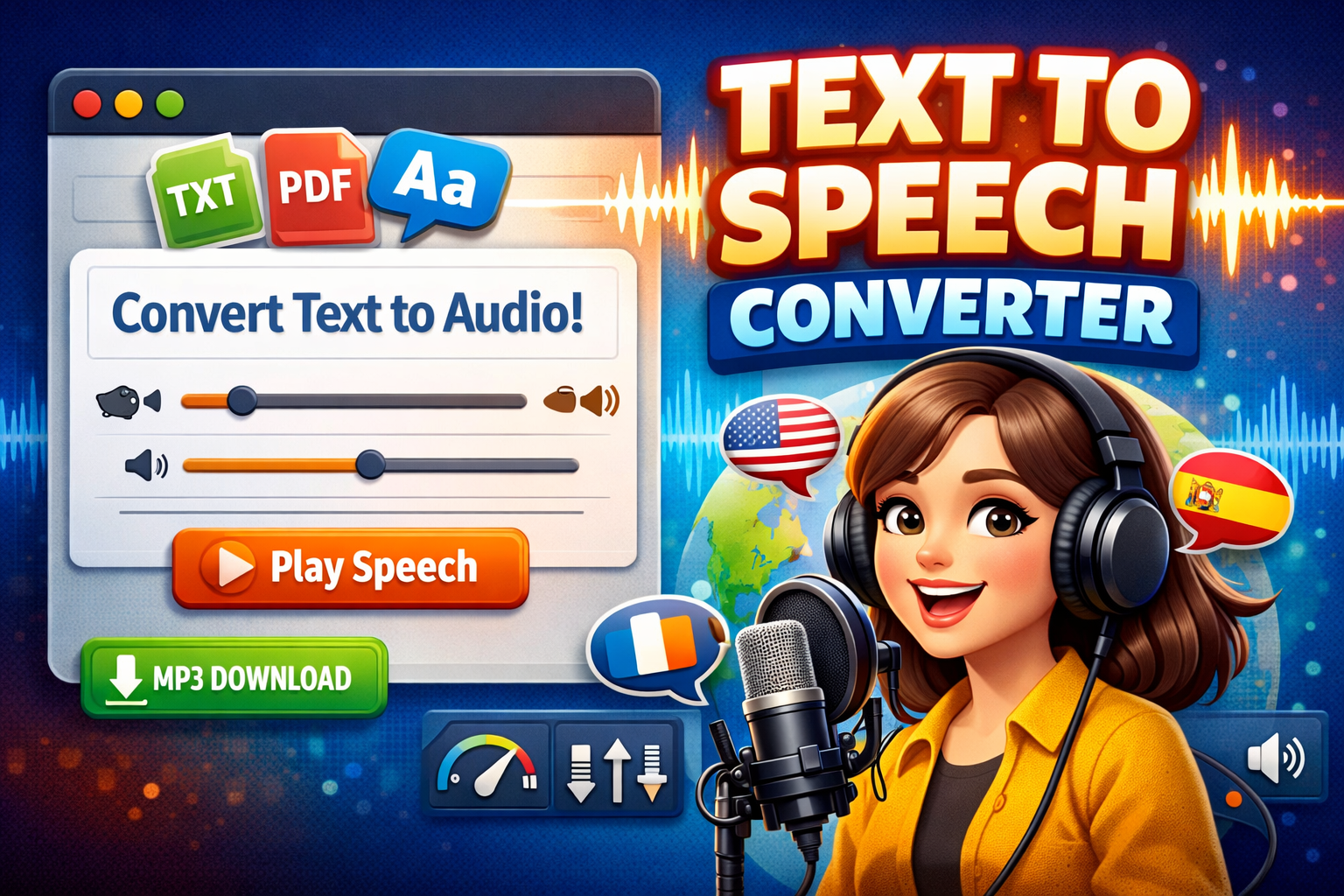
- Text-to-speech playback
- Export to TXT, DOCX, or PDF
- Cloud-based STT using Whisper or Deepgram
- Local storage autosave
- Speaker identification
The existing structure is intentionally clean to support future upgrades.
Best Practices for Best Results
- Use a quiet environment.
- Speak clearly and at a steady pace.
- Avoid overlapping speech.
- Use a dedicated microphone where possible.
Conclusion
This Online Dictation Tool is a fast, modern, and privacy-first solution for converting speech to text directly in the browser. It is ideal for writers, students, professionals, and anyone who prefers speaking over typing.
It balances simplicity with strong technical foundations, making it both user-friendly and developer-friendly.